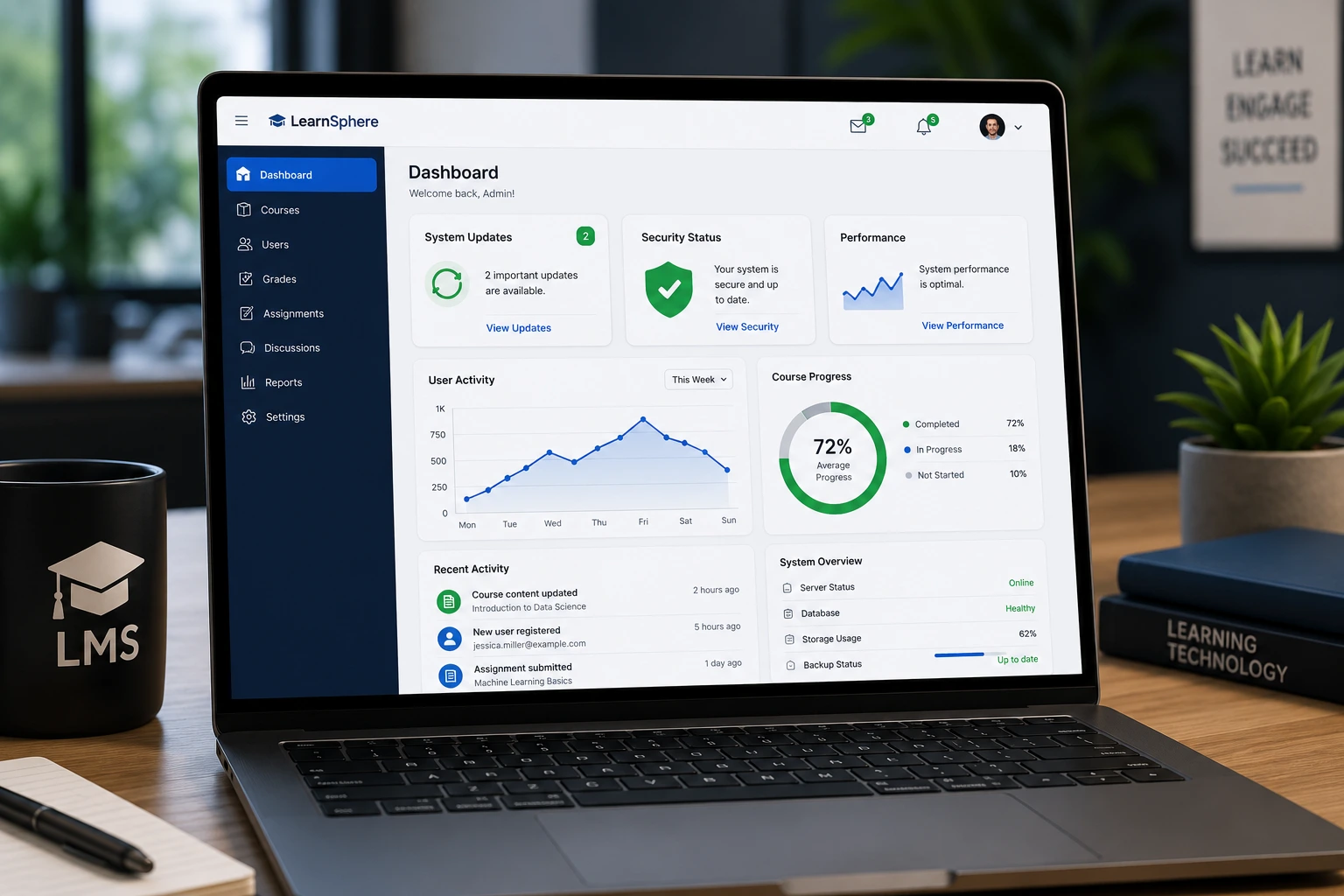
Over the years I’ve helped dozens of course creators, coaches, and small training businesses set up and maintain their learning management systems. One lesson always stands out: a neglected LMS slowly turns from a powerful revenue tool into a frustrating liability.
Regular updates aren’t just technical busywork. They protect your data, keep learners engaged, and make sure your platform stays compatible with the tools your audience actually uses. In this post, I’ll share why learning management systems need consistent maintenance and exactly how a developer can make the process smooth and effective.
What Regular LMS Updates Actually Do for Your Business
Learning management systems evolve constantly. New browser versions, mobile devices, and security standards appear every few months. Without updates, your platform starts showing its age in ways learners notice immediately.
From my experience, the biggest benefits show up in three areas:
- Security: Outdated systems become easy targets. A single vulnerability can expose student data or let hackers inject malicious content.
- Performance: Faster loading times and smoother navigation keep completion rates high.
- Features: Modern LMS platforms add mobile responsiveness, better analytics, and integration options that older versions simply don’t support.
I’ve seen platforms that hadn’t been updated in 18 months suddenly break after a major browser update. Students couldn’t complete quizzes or access certificates. That kind of disruption kills trust fast.
The Real Cost of Ignoring LMS Maintenance
Many beginners treat their LMS like a set-it-and-forget-it tool. But the hidden costs add up quickly.
One client came to me after their Thinkific site started showing compatibility warnings. Their enrollment pages loaded slowly on mobile, and payment integrations occasionally failed. After a full update and optimization round, their conversion rate improved noticeably.
Data from various industry reports shows that organizations prioritizing LMS maintenance report better learner engagement and lower support tickets. An outdated system also risks falling behind competitors who offer slicker, more reliable experiences.
How a Developer Makes LMS Updates Painless
This is where hiring the right help pays for itself. A developer who understands learning management systems doesn’t just click “update” — they plan, test, and optimize.
I usually follow a structured approach that minimizes downtime and prevents surprises. Here’s the typical process:
- Audit the current setup — Check plugins, themes, custom code, and integrations.
- Backup everything — Full database and file backup before any changes.
- Staging environment — Test all updates on a copy of the live site first.
- Apply updates — Core platform, plugins, themes, and security patches.
- Test thoroughly — User flows, payments, certificates, mobile responsiveness.
- Monitor and optimize — Performance tweaks and security hardening after launch.
- Document changes — So future maintenance is even easier.
This methodical approach has saved clients from the classic “update broke my site” nightmare more times than I can count.
Common LMS Problems and How to Fix Them
Here are the issues I see most often when clients haven’t kept their learning management systems updated:
- Broken mobile experience — Courses that worked fine on desktop become unusable on phones.
- Plugin conflicts — One outdated plugin crashes the entire dashboard.
- Security warnings — Browsers flag the site as unsafe, hurting enrollment.
- Slow loading times — Especially painful with video-heavy courses.
- Integration failures — Email marketing tools, payment gateways, or analytics stop working.
The fix is almost always proactive maintenance rather than emergency repairs. Emergency work costs more and creates more stress.
Pro tip: If you’re on WordPress, tools and plugins available through the official repository make many updates straightforward, but custom setups still need experienced eyes.
Step-by-Step: Planning Your Next LMS Update Cycle
Don’t wait for something to break. Set up a simple quarterly routine:
- Review platform notifications for available updates.
- Schedule a 2-3 hour maintenance window.
- Test critical features (login, course access, payments).
- Update one major component at a time when possible.
- Check analytics after the update to confirm improvement.
- Document what was changed for future reference.
For bigger platforms, I recommend monthly security patches and full reviews every 3-4 months.
Choosing the Right Help for Your LMS
Not every developer understands learning content management system platforms deeply. Look for someone with experience in your specific tool — whether that’s custom WordPress setups, Thinkific, Kajabi, or LearnWorlds.
At Digital Wind IT, we specialize in helping creators maintain reliable, high-performing learning platforms. You can learn more about my approach on my personal site or explore our services at Digital Wind IT.
How often should I update my LMS?
For most small to medium setups, security updates monthly and full maintenance quarterly works well. High-traffic platforms may need more frequent attention.
Can I update my LMS myself?
Simple updates are often doable, but custom themes, heavy integrations, or large course libraries are safer with a developer to avoid data loss or downtime.
Will updates delete my courses?
Properly executed updates preserve all your content. Always use a full backup first, though.
How much does professional LMS maintenance cost?
It varies by platform size and complexity. Many creators find monthly or quarterly retainers more affordable than emergency fixes.
What if my LMS is hosted on a third-party platform like Kajabi?
Even hosted platforms benefit from regular content audits, integration checks, and design refreshes. The core updates happen automatically, but your setup still needs oversight.
Do updates improve SEO for my courses?
Yes. Faster load times, mobile-friendly design, and secure HTTPS all help search rankings.
Keep Your Learning Management Systems Working for You
Your LMS is one of the most important assets in your online education business. Regular updates protect it, improve the learner experience, and help you grow with confidence.
Don’t let technical debt sneak up on you. A little consistent maintenance goes a long way toward smoother operations and happier students.
Ready to make your learning management systems more reliable? Reach out to me or check our services at Digital Wind IT. I’ll help you build a maintenance plan that fits your budget and goals.