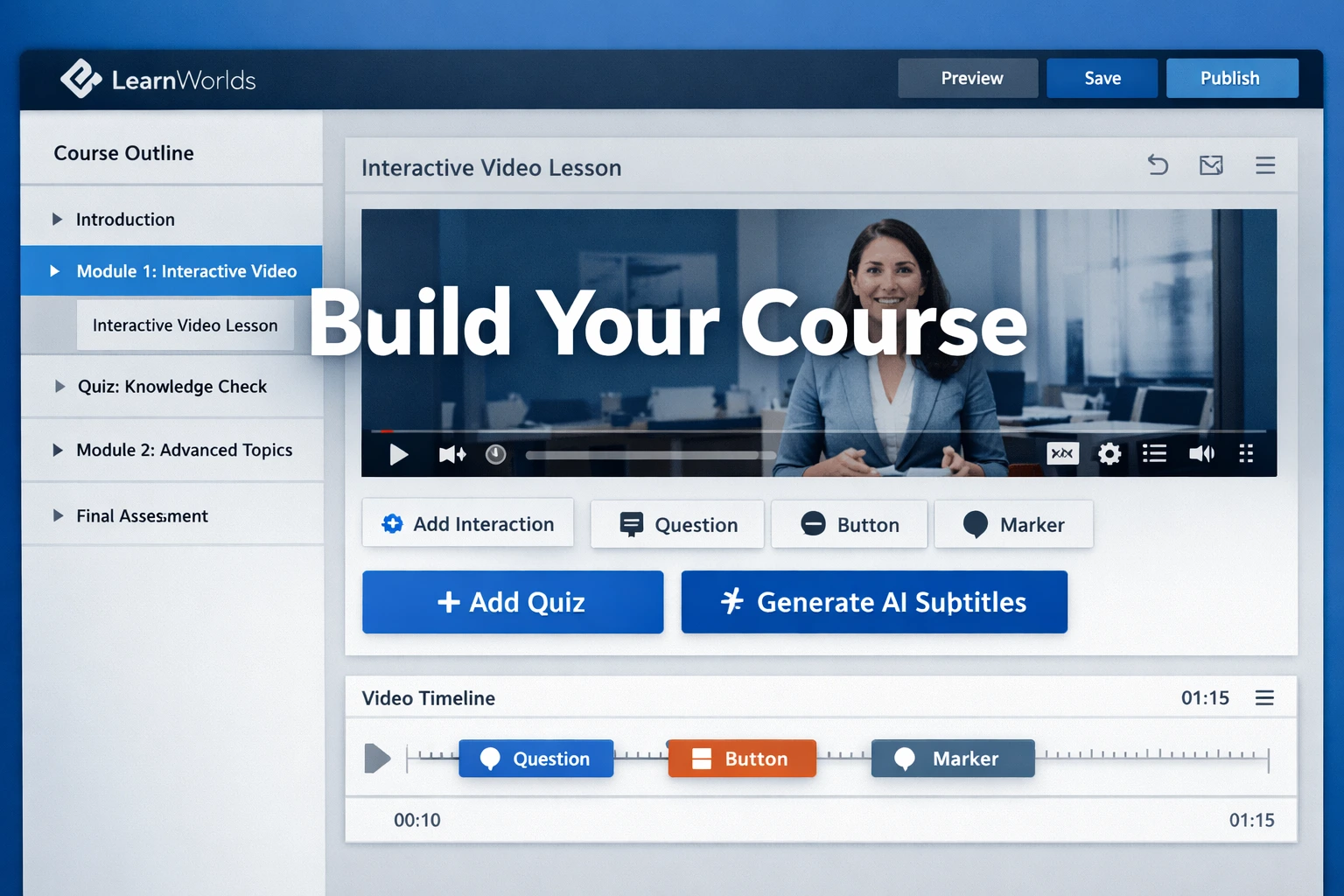
I’ve helped dozens of creators go from idea to launched course, and the platform choice always matters most. In 2026, LearnWorlds stands out as a true all-in-one online class platform—especially for those who want interactive, branded experiences without juggling ten different tools.
Whether you’re a coach, consultant, or expert ready to create course online and turn knowledge into income, this guide walks you through everything. You’ll learn the exact process I use and recommend, from planning to publishing and beyond.
No fluff—just practical steps based on real use and recent platform updates like enhanced AI tools, Course Hub, and automations.
Why LearnWorlds Is Ideal for Making Online Courses in 2026
LearnWorlds calls itself the #1 AI-powered LMS for course creators, and after testing many platforms, I see why. It’s built for independent creators and small teams who need professional results without a big budget or dev help.
Key advantages include true white-label branding (your domain, no LearnWorlds footer on higher plans), native mobile apps for iOS/Android with push notifications, in-house video hosting (no extra Vimeo costs), and strong interactive features that keep students engaged longer.
Recent updates in 2025–2026 added Course Hub for quick importing ready-made content, advanced automations for user management, and deeper AI for subtitles, quiz generation, and content suggestions. Over 12,000 schools use it, with many reporting fast revenue growth after switching.
Core Features That Make Course Creation Easier and More Engaging
LearnWorlds shines in content variety and interactivity:
- Interactive videos — Auto-generate transcripts, add pop-up quizzes, hotspots, tables of contents, buttons, and AI subtitles (strong in Learning Center plan and above).
- Multiple content types — Videos, ebooks (redesigned builder), SCORM files, assignments, surveys, live 1:1/group sessions, certificates.
- Assessments & quizzes — Multiple question types, question banks, self-assessments, video/audio/file submissions.
- AI assistance — Tools for faster instructional design, content translation, tagging, and personalized suggestions.
- Community & social — Unlimited communities, discussions, and social-first elements to build loyalty.
These features turn passive video watching into active learning, which boosts completion rates and reviews.
Planning and Structuring Your Course for Success
Before touching the builder, plan properly—most failures happen here.
Start with audience research: Who are they? What problems do they have? Use Reddit, Facebook groups, or Quora to validate demand.
Define clear learning objectives: Make them specific and measurable (e.g., “By the end, you’ll create a full sales funnel in under 2 hours”).
Storyboard your outline: Break into modules and lessons. Include small wins, progressive difficulty, and interactive checkpoints.
Choose your model: One-time paid course, subscription membership, cohort-based, or bundle. LearnWorlds supports all.
Real-world example: A fitness coach I advised started with a simple 6-week program. Using drip-feed and weekly live sessions, she grew to 40,000+ students by focusing on community and progress tracking—features LearnWorlds handles natively.
Step-by-Step: How to Create Your First Course on LearnWorlds
Here’s the practical workflow using the current Course Creation Wizard:
- Sign up for the free trial at LearnWorlds. No card needed to start exploring.
- From the dashboard, click Create course (or go to Courses & Programs > Courses > Create course). The wizard opens.
- Enter basics: Course title, short description, card image (recommended 1280×720), unique URL slug, and access type (Draft, Free, Paid, Private, Coming Soon).
- Choose or customize a template. Use one of 50+ industry-specific designs for your school site.
- Build structure: Add sections/modules, then lessons. Drag-and-drop to organize.
- Add content to lessons:
- Upload or record video → enable AI for auto-transcript, chapters, quizzes.
- ytfytfr
- ufyuyif
- iufgu
- jkbg