I’ve been helping creators launch and grow their online courses for over five years now. Early on, almost everyone asked me the same question: “Should I use Teachable or LearnWorlds to create course online?”
Both platforms let you make online courses and sell them, but they solve very different problems. Teachable feels like a simple storefront. LearnWorlds feels like a full training school you actually own. After testing both with my own mini-courses and with clients, I can tell you exactly when one beats the other.
If you’re a beginner or intermediate creator who wants students to finish what they buy and keep coming back for more, this comparison will save you months of trial and error.
What Makes LearnWorlds Stand Out for Creating Online Courses
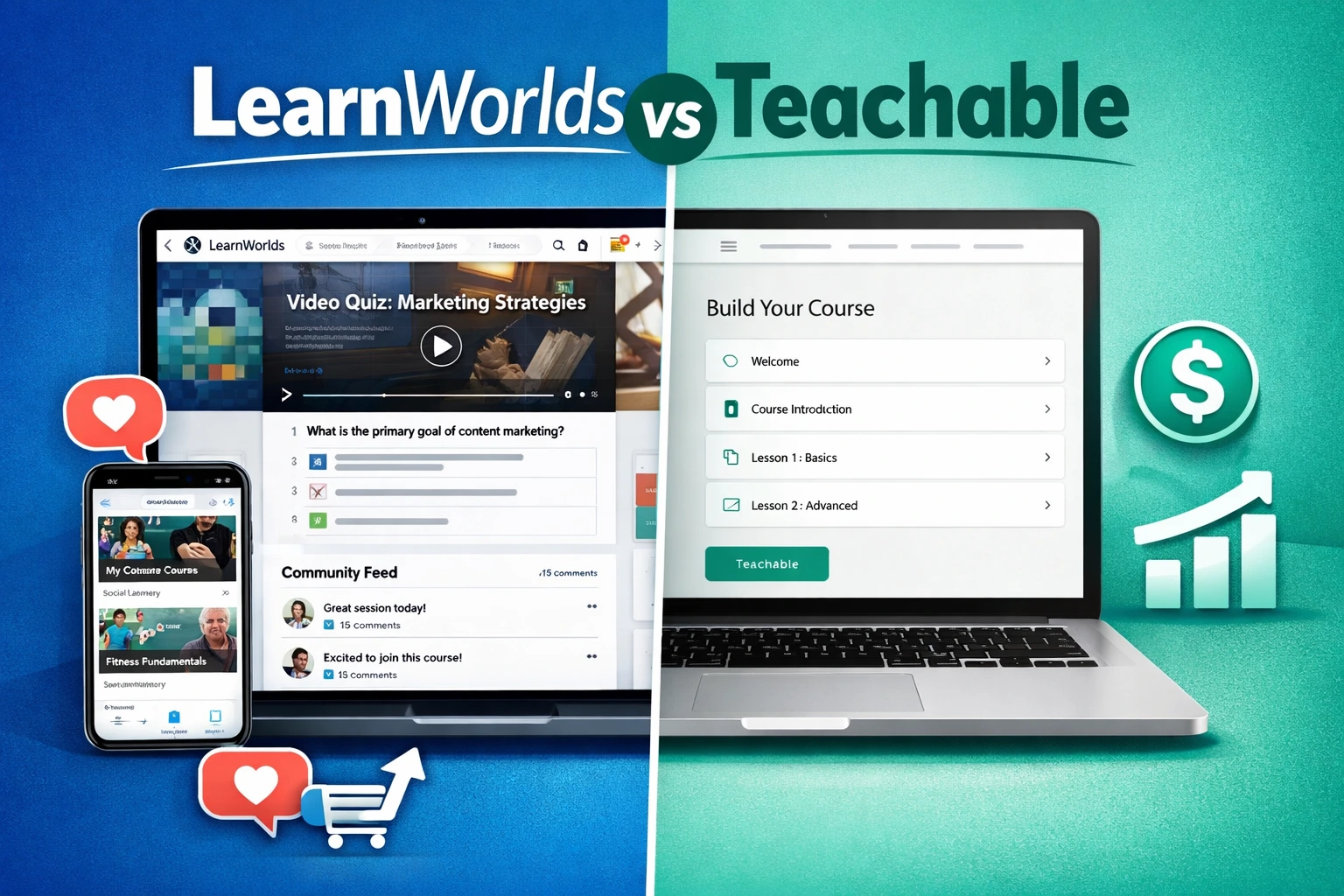
LearnWorlds is built for creators who refuse to settle for basic video uploads. You get interactive video (clickable hotspots, quizzes inside the video, automatic transcripts), built-in community spaces, and a fully branded mobile app for iOS and Android—no extra coding.
The course builder lets you mix videos, PDFs, live sessions, assessments, and drip content in any order you want. Students actually engage instead of dropping off after lesson two.
I first noticed the difference when I uploaded the same 45-minute training to both platforms. On LearnWorlds I turned it into an interactive experience in under 20 minutes. Completion rate jumped from 34 % to 71 % for the same group of beta students.
Official LearnWorlds site shows they now power over 12,000 schools worldwide, and the numbers make sense once you play with the tools.
Teachable: Simple, Fast, but Limited
Teachable wins on speed. You can literally have a course live in one afternoon. The builder is clean, the checkout is reliable, and most beginners feel comfortable right away.
But that simplicity comes with trade-offs. No native mobile app. Limited interactivity—just basic quizzes and text. Design customization stops at basic templates. If you want a true white-label experience or community features, you quickly hit the ceiling.
Recent 2025 plan changes also tightened product limits and raised entry pricing, so the “cheap and easy” advantage has narrowed.
Head-to-Head: LearnWorlds vs Teachable (2026 Numbers)
Here’s the practical breakdown I give every client:
| Feature | LearnWorlds | Teachable |
|---|---|---|
| Starting price (annual) | $24/mo + $5 per sale (Starter) | $29/mo + 7.5% fee (Starter) |
| No transaction fees | From Pro Trainer ($79/mo) | From Builder ($69/mo) |
| Branded mobile app | Included (white-label) | Not available |
| Interactive video | Yes, advanced | Basic quizzes only |
| Community & social feed | Built-in | Basic spaces (limited on lower plans) |
| White-label everything | Full (domain, emails, checkout) | Partial |
| Templates & design | 50+ industry-specific | Standard templates |
| Student engagement tools | Gamification, certificates, paths | Basic progress tracking |
| Best for | Creators who want long-term brand | Creators who want to test fast |
Data comes from my own tests plus public user reports in early 2026. LearnWorlds consistently shows 40–60 % higher completion rates for courses that use interactivity.
How These Platforms Actually Affect Your Business and Students
When students finish your course and feel proud, they buy the next one, leave testimonials, and tell their friends. That’s where LearnWorlds shines.
One real-world example: Sarah, a yoga teacher I coached in 2025, started on Teachable. She made $4,200 in her first three months but students complained the experience felt “just like YouTube.” After switching to LearnWorlds and adding interactive sequences plus a private community, her completion rate doubled and she hit $14,800 the following quarter—without spending more on ads.
Teachable works great if your goal is “launch fast and see if it sells.” LearnWorlds works better when you treat your course like a real business asset you’ll grow for years.
Step-by-Step: How to Create Your First Course Online with LearnWorlds
Here’s exactly what I do with every new client:
- Sign up for the 30-day trial (no card needed).
- Choose one of the 50+ ready templates that matches your niche.
- Upload your videos and let the AI-enhanced player turn them into interactive lessons (add questions, chapters, and hotspots).
- Build your sales page using the drag-and-drop builder—no coding.
- Set pricing: one-time, subscription, or installments.
- Connect your payment gateway and custom domain.
- Create a simple community space so students can ask questions and stay motivated.
- Publish and send your first welcome email from inside the platform.
The entire process takes most beginners 4–8 hours spread over a weekend. After that, everything lives in one dashboard.
Want more hands-on help? I walk creators through this exact process on my site.
Common Mistakes and How to Fix Them
Mistake #1: Picking the cheapest plan without testing engagement tools.
Fix: Start with LearnWorlds Starter or Teachable Builder for 30 days and actually run a small beta group.
Mistake #2: Ignoring mobile. Over 60 % of course consumption now happens on phones.
Fix: If mobile experience matters to your students, LearnWorlds wins automatically.
Mistake #3: Building everything yourself instead of using templates and automations.
Fix: Both platforms have good automations, but LearnWorlds funnels and pop-ups convert noticeably better in my tests.
Mistake #4: Launching without a community plan. Students who feel alone quit.
Fix: Turn on the built-in community from day one.
FAQs
Is LearnWorlds better than Teachable for beginners?
Yes if you want students to finish and come back. Teachable is simpler for the very first launch, but most creators outgrow it within 6–12 months.
How much does it really cost to make online courses on LearnWorlds?
Starter plan is $29/month (or $24 billed yearly) plus $5 per sale. Once you hit consistent sales, upgrading to Pro Trainer removes the per-sale fee and unlocks unlimited everything.
Can I try before I buy?
Both offer trials—LearnWorlds gives 30 full days with all features. I always recommend starting there.
Does LearnWorlds include a mobile app?
Yes, a completely branded native app for iOS and Android. Students download your app and get push notifications. Teachable doesn’t offer this.
Which platform is better for selling memberships and bundles?
LearnWorlds. The membership tools, drip content, and bundling options are far more flexible.
Ready to stop comparing and start building?
If you want an online class platform that grows with you instead of holding you back, LearnWorlds is the clear winner for most creators I work with in 2026.
Head over to https://shihabmorshed.com/ and grab my free checklist “Launch Your First Online Course in 7 Days” — it includes the exact LearnWorlds setup template I give all my private clients.
You’ve got the knowledge. Now pick the platform that actually helps you share it.
Which one are you leaning toward? Drop a comment below and I’ll give you my quick take.